 ThunderExportImport
Export Thunderbird mail, ready for the archive
Folders or single messages to PDF, HTML, EML, text and MBOX, with their attachments, in one ZIP. Optionally stamped with who exported it, when, and a SHA-256 fingerprint in a QR code. And back in again.
Free and open source (MIT) · Thunderbird 91 to the latest release · No data collection
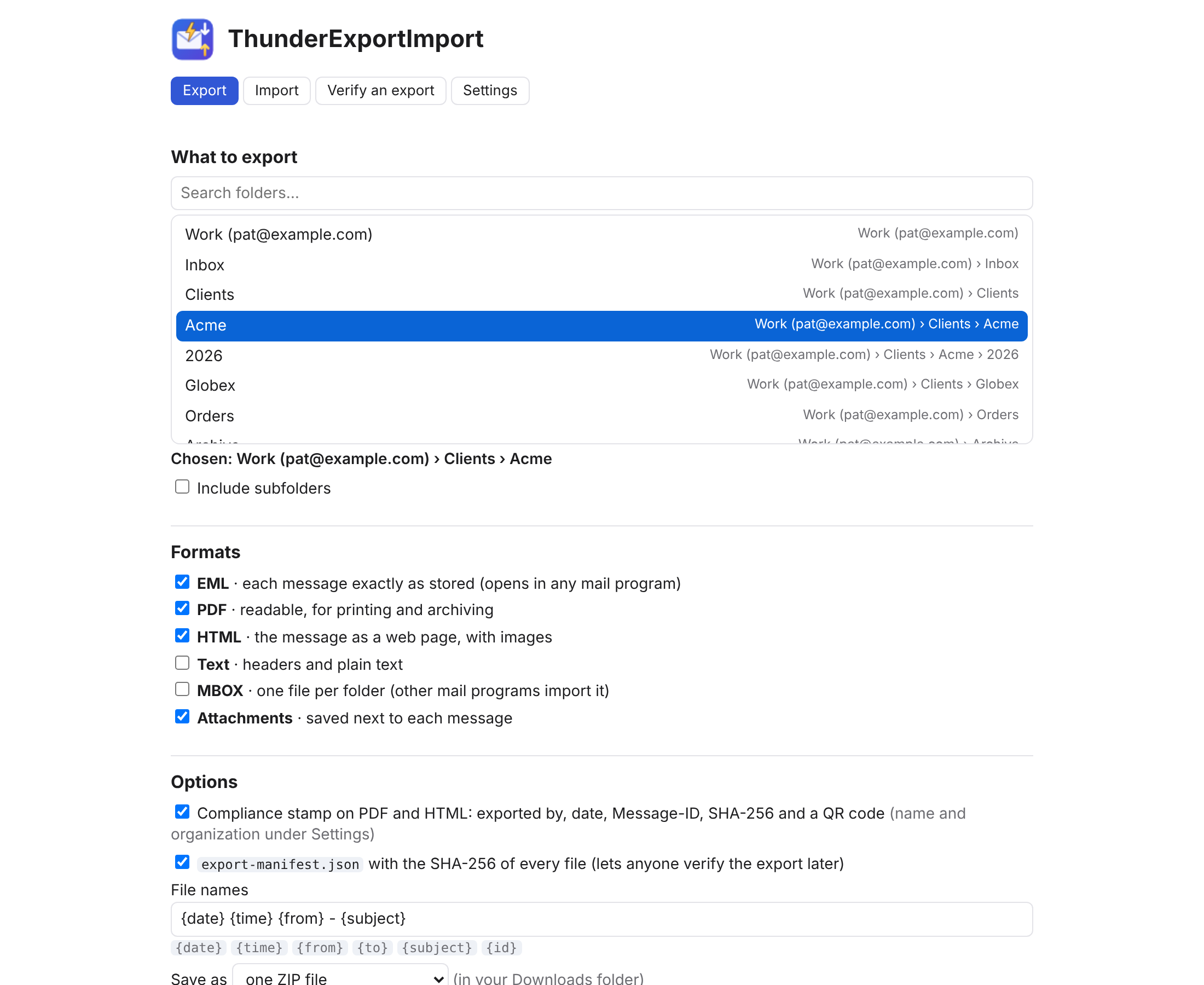
Every format, one click
Headers, text and the list of attachments on A4, with page numbers. Made inside the add-on; no printer dialog.
HTML
The message as a web page with its inline images. Scripts and tracking pixels removed; opens offline.
EML and MBOX
Each message exactly as stored, and one MBOX per folder that any mail program can import.
Attachments
Saved next to each message, with the HTML linking to them.
ZIP or files
One ZIP, or a folder of files mirroring your folders and subfolders. Names from a pattern: {date} {from} - {subject}.
Runs in the background
Close the page; progress shows on the toolbar button. Cancel any time.
Compliance stamp and verifiable exports
For legal holds, audits, customer disputes or just a tidy archive: each PDF and HTML can carry a stamp, and every export can carry a manifest that proves nothing was changed later.
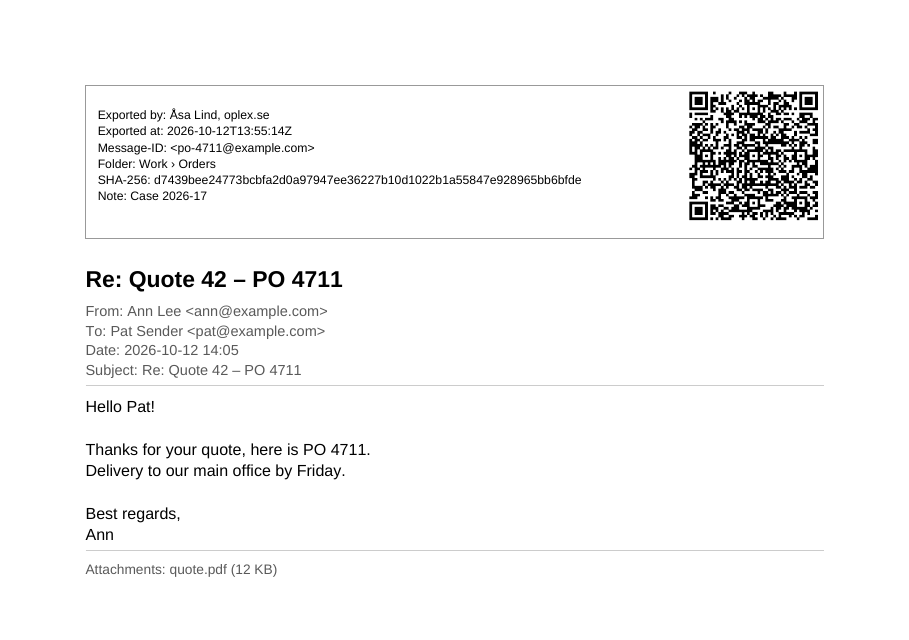
| Stamp | Name, organization and a note (e.g. a case number) you set once. |
| SHA-256 | Fingerprint of the exported .eml; anyone can recompute it with sha256sum. |
| QR code | The same details, scannable from paper. |
| Manifest | export-manifest.json lists every file with its SHA-256. |
| Verify | The Verify tab checks an export ZIP against its manifest: missing or changed files are named. |
Import, safely
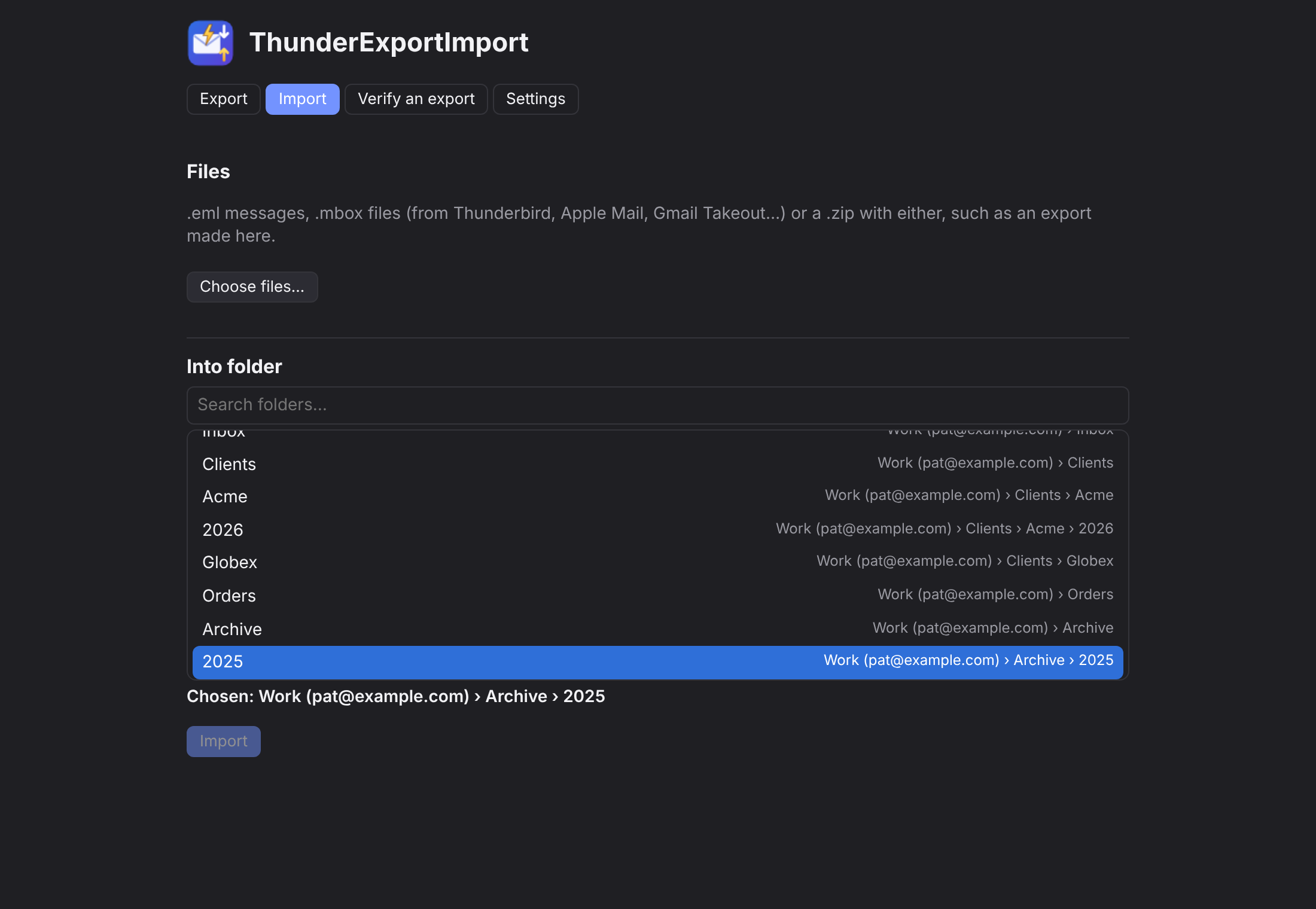
.eml files, .mbox files from Thunderbird, Apple Mail or Gmail Takeout, or a ZIP with either. Messages already in the folder are skipped, so importing the same archive twice does no harm. (Importing needs Thunderbird 106 or newer; exporting works on every version.)
Tested on every Thunderbird
Each change exports real messages inside real Thunderbird builds; the saved files are then checked with independent tools (unzip, pdftotext, a QR decoder). Once a week, on every major version since 91.


See the latest runs on GitHub Actions.
Versions
Install
- Download the
.xpifor your Thunderbird from the latest release (one for 140 and newer, one for 91–139). - In Thunderbird: Add-ons and Themes → ⚙ → Install Add-on From File… Updates install automatically after that.
- Right-click a folder → Export folder…
The Thunder suite
Same look, made to work together: ThunderJump (jump to any folder from the keyboard) and ThunderSnippet (canned replies with fields). Settings → Back up suite settings saves all of them in one file.